Drawing automation and multi-sheet/config drawings
Generate a drawing structure from an explicit model/configuration-to-sheet mapping. Work on a copy first. Record application version, units and active document/configuration. Names below identify the catalogued workflow; they do not claim a particular button layout or verified implementation.
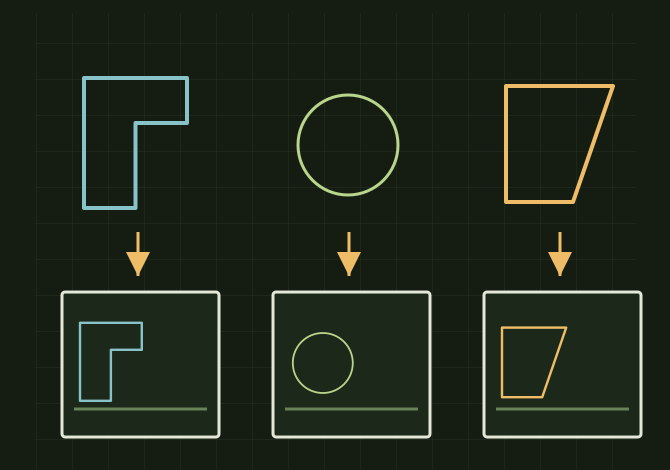
One intended configuration, one intended sheet
 OPEN FULL SIZE ↗
- Map
- Model/configuration to sheet
- Reserve
- Tables and annotations
- Inspect
- Every sheet and reference
TECHNICAL NOTES///
Generate a drawing structure from an explicit model/configuration-to-sheet mapping.
GOALRun the first test described in this guide and record the result for drawing automation and multi-sheet/config drawings.
PREPARATION / NOTES
Work on a copy first. Record application version, units and active document/configuration. Names below identify the catalogued workflow; they do not claim a particular button layout or verified implementation.
EQUIPMENT
- CAD / automation tool
- Representative test model
- Measurement or inspection method
STEPS
- Enumerate intended configurations or bodies and exclude reference-only items deliberately.
- Select the approved sheet format, required views and scale rules.
- Create views with explicit model/configuration references, then place tables and annotations in reserved areas.
- Rebuild and inspect every sheet for missing geometry, duplicate names, view overlap and wrong configuration references.
TROUBLESHOOTING
- Configuration names can change and sheets can retain stale references. A successful API call does not prove a view displays the intended body.
THINGS TO WATCH FOR
Configuration names can change and sheets can retain stale references. A successful API call does not prove a view displays the intended body.
RESULTThe sheet index matches the model list one-to-one and each view shows the correct configuration.
DEVELOPMENT HISTORY///
Imported as an independent manifest record; public copy keeps uncertainty visible.
SPECIFICATION///
RELEASED MATERIAL///
The sheet index matches the model list one-to-one and each view shows the correct configuration.
The record keeps what is known at this revision. Unfinished tests stay unfinished here.