Trace a raster image into real vector paths suitable for cleanup and downstream CAD preparation.
PUBLIC KNOWLEDGE VIEWCAD / Scanning / Automation / how-to
SOURCE STATENew reference guidance; not a recovered test result
GOALRun the first test described in this guide and record the result for inkscape png-to-svg conversion.
EQUIPMENT
Inkscape / SVG
Representative test model
Measurement or inspection method
STEPS
Import the PNG, select it and open Path > Trace Bitmap.
For black-and-white art, begin with a single brightness-cutoff trace and adjust the threshold in preview.
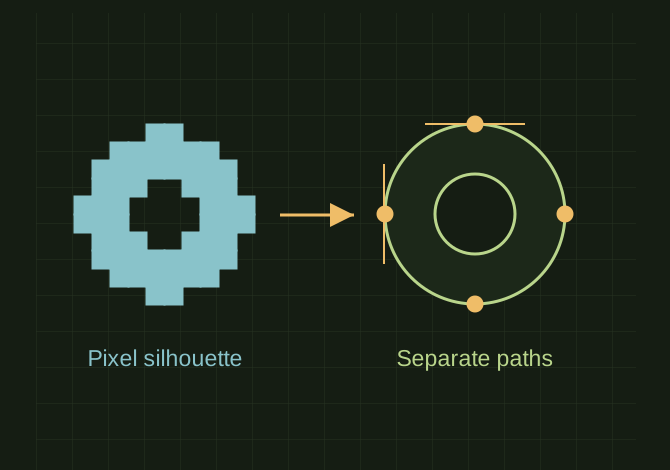
Move the traced vector aside to verify it is separate from the bitmap. Delete unwanted background shapes, simplify cautiously and repair holes or islands.
Save SVG, then reopen it and inspect at high zoom. Convert strokes to paths when downstream software needs filled outlines.
TROUBLESHOOTING
Saving an embedded PNG with an SVG extension is not vectorization. Excess simplification changes the artwork, and excessive nodes make CAD imports harder.
THINGS TO WATCH FOR
Saving an embedded PNG with an SVG extension is not vectorization. Excess simplification changes the artwork, and excessive nodes make CAD imports harder.
RESULTThe file contains editable paths and retains the correct holes, silhouette and intended physical scale.
 OPEN FULL SIZE ↗