MIRACO Plus comparison
Evaluate MIRACO Plus as an all-in-one scanning workflow, with its onboard interaction and additional photogrammetric capabilities checked against the actual job.
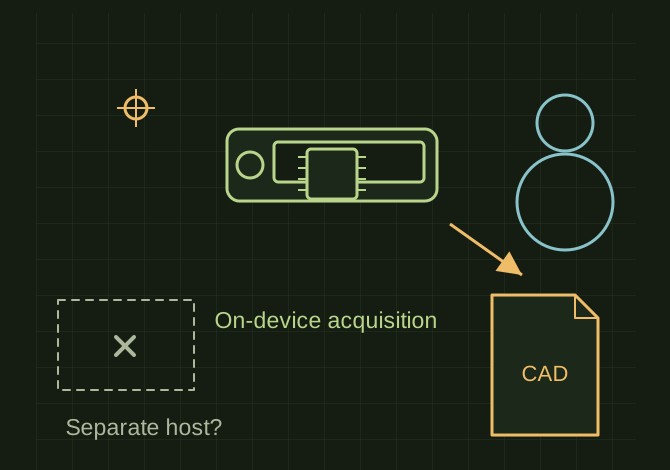
What an all-in-one scanner removes
 OPEN FULL SIZE ↗
- Model
- Verify exact Plus configuration
- Question
- Separate acquisition computer needed?
- Check
- Both-side alignment and export
TECHNICAL NOTES///
Evaluate MIRACO Plus as an all-in-one scanning workflow, with its onboard interaction and additional photogrammetric capabilities checked against the actual job.
GOALRun the first test described in this guide and record the result for miraco plus comparison.
EQUIPMENT
- CAD / automation tool
- Representative test model
- Measurement or inspection method
STEPS
- List whether avoiding a separate acquisition computer is a primary requirement.
- Compare the exact Plus configuration, included targets/accessories and supported near/far workflow against the object sizes.
- Request sample data from a similar matte, reflective or feature-poor part, including alignment of both sides.
- Check export, calibration, battery workflow and downstream CAD work separately before comparing total cost.
TROUBLESHOOTING
- Do not substitute MIRACO or MIRACO Pro specifications for Plus. A manufacturer’s best-case accuracy is not a guarantee on every surface or full reconstructed part.
THINGS TO WATCH FOR
Do not substitute MIRACO or MIRACO Pro specifications for Plus. A manufacturer’s best-case accuracy is not a guarantee on every surface or full reconstructed part.
RESULTThe comparison records demonstrated workflow and export quality, with dated prices only if actually checked.
DEVELOPMENT HISTORY///
Imported as an independent manifest record; public copy keeps uncertainty visible.
SPECIFICATION///
RELEASED MATERIAL///
The comparison records demonstrated workflow and export quality, with dated prices only if actually checked.
The record keeps what is known at this revision. Unfinished tests stay unfinished here.