Replace Cutlist Item SOLIDWORKS
A conversation-specific public summary of replace cutlist item solidworks, distilled from the supplied export. The detailed excerpts remain available in the released note file.
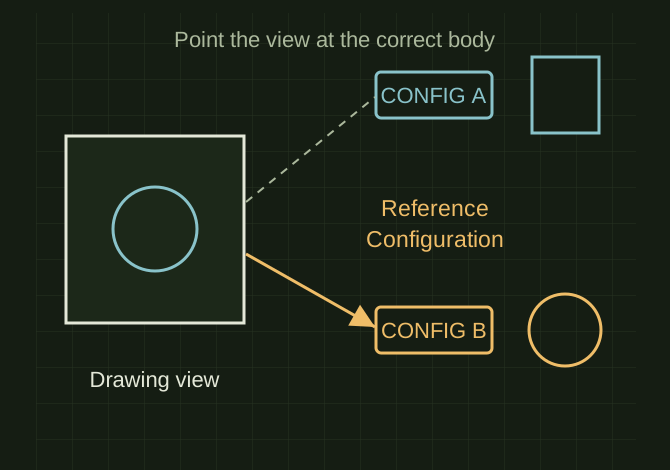
A drawing view points to a configuration
 OPEN FULL SIZE ↗
- Control
- Reference Configuration
- Goal
- Configuration containing correct body
TECHNICAL NOTES///
Conversation-specific knowledge extracted from the replace cutlist item solidworks discussion.
QUESTION / CONTEXTOK I HAVE MY CUTLIST ITEM DETAILED HOW I WANT, NOW IA HAVE SAVED THIS DRAWING AND DID A SAVE COPY AS, i KNOW HOW REPLACE WORKS BUT HOW DO I REPLACE A CUTLIST ITEM SINCE IT IS SELECTING THE WELDED PART AND NOT THE BODY
IMPORTANT GUIDANCE
- --
- Click the drawing view
- In the PropertyManager:
- Look for “Reference Configuration”
- Switch to the config that contains the correct body
- If it's a cut list:
- Expand the view in the Feature Tree
- You’ll see something like:
Extracted from the conversation’s assistant responses and edited for public clarity. See the released note for additional redacted excerpts.
DEVELOPMENT HISTORY///
Matched to the supplied export; key guidance is surfaced separately and the raw transcript remains unpublished.
SPECIFICATION///
RELEASED MATERIAL///
RECOVERED / SPECIFIC NOTE
The record keeps what is known at this revision. Unfinished tests stay unfinished here.