SolidWorks Replace Model
A conversation-specific public summary of solidworks replace model, distilled from the supplied export. The detailed excerpts remain available in the released note file.
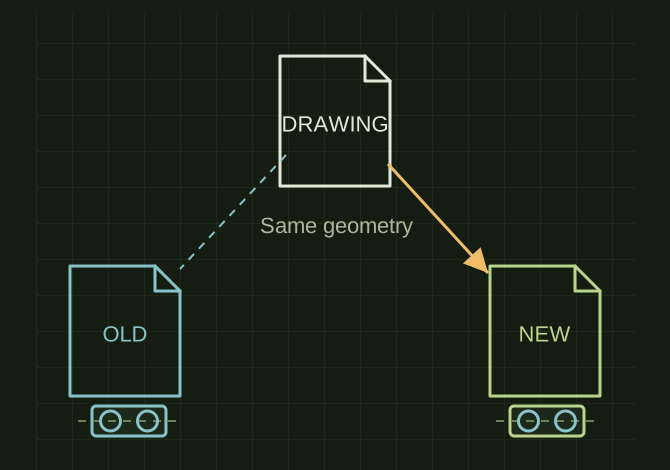
Keep the drawing, change its model link
 OPEN FULL SIZE ↗
- Drawing
- Existing sheet
- Replacement
- New .SLDPRT
- Constraint
- Matching geometry
TECHNICAL NOTES///
Conversation-specific knowledge extracted from the solidworks replace model discussion.
QUESTION / CONTEXTI have a buch of parts that are eactly the same in solid works, I have made 1 print. is there a replace reference model tool like there is in Inventor so I can easily change the part that is being detailed without re-dimensioning
IMPORTANT GUIDANCE
- --
- Open the drawing you already created
- Right-click on any drawing view
- Click Replace Model…
- Browse to the new part file (`.SLDPRT`)
- Click Open
- Confirm the replacement
- The new part must be geometrically identical
Extracted from the conversation’s assistant responses and edited for public clarity. See the released note for additional redacted excerpts.
DEVELOPMENT HISTORY///
Matched to the supplied export; key guidance is surfaced separately and the raw transcript remains unpublished.
SPECIFICATION///
RELEASED MATERIAL///
RECOVERED / SPECIFIC NOTE
The record keeps what is known at this revision. Unfinished tests stay unfinished here.