QR code imported as another part in the slicer
The recovered material identifies qr code imported as another part in the slicer as its own topic. This page preserves the useful direction, the next practical checks, and the limits of the surviving notes without inventing measurements or presenting an unverified idea as a finished standard.
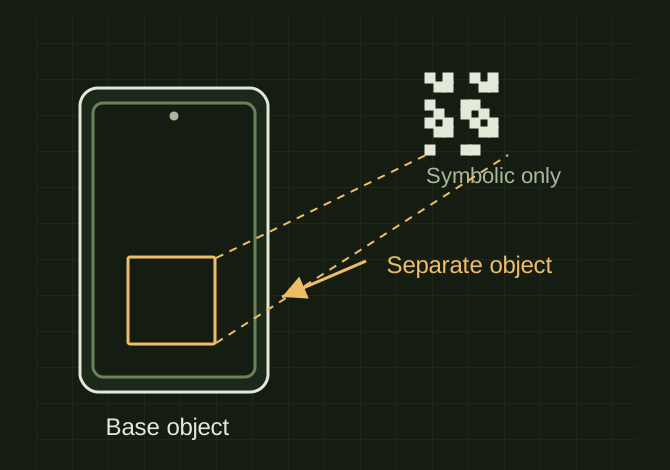
Keep the QR a separate part
 OPEN FULL SIZE ↗
- Objects
- Base and code geometry
- Focus
- Readability, layer placement, scan validation
TECHNICAL NOTES///
A public-safe 3d printing record for qr code imported as another part in the slicer, separated from the other experiments in the collection.
GOALTurn qr code imported as another part in the slicer into a repeatable public note with a clear next test.
EQUIPMENT
- FDM printer / slicer
- Slicer project
- Calipers or inspection method
MATERIALS
- Material requires confirmation
STEPS
- Confirm what the part must do and which printed feature matters most.
- Check geometry, clearances, orientation, and material before slicing.
- Print a small test or the least expensive revision first.
- Inspect the finished part after it has cooled completely.
- Record the next change with a photo or measurement.
TROUBLESHOOTING
- A slicer preview is not proof that a finished part will fit or move.
- Change one process variable at a time so the next result is attributable.
- Keep material identity and nozzle size with every saved revision.
RESULTPublic-safe starting record; validate against the next real test.
DEVELOPMENT HISTORY///
Imported as an independent manifest record; public copy keeps uncertainty visible.
SPECIFICATION///
RELEASED MATERIAL///
Public-safe starting record; validate against the next real test.
The record keeps what is known at this revision. Unfinished tests stay unfinished here.