A conversation-specific public summary of weldment part generation, distilled from the supplied export. The detailed excerpts remain available in the released note file.
CHAT-0408REV EXPORT-03
AI narration using Robert's voice. Weldment Part Generation / short introduction.
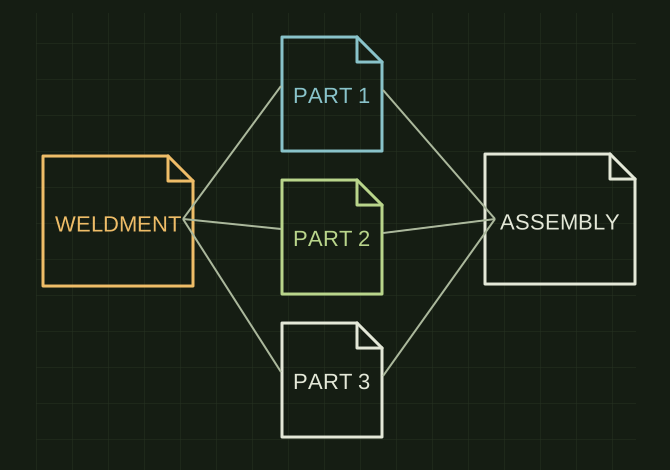
OPEN FULL SIZE ↗A multi-body part branches to individual part-file icons and an assembly reference, showing what Save Bodies is intended to produce.Explanatory drawing based on this record
Conversation-specific knowledge extracted from the weldment part generation discussion.
EXTRACTED KNOWLEDGE / HOW-TOFROM CONVERSATION
QUESTION / CONTEXTi use weldment parts and cutlist items a lot in solid works 2025is there a method people are using to generate individual parts from cutlists into a new assembly
IMPORTANT GUIDANCE
Open your weldment part.
Go to:
Insert → Features → Save Bodies
Select the bodies you want exported.
Click Auto-Assign Names (or manually name them).
Under Create Assembly, browse to a location and specify an assembly name.
Check:
Derive resulting parts from similar bodies or cut list
Extracted from the conversation’s assistant responses and edited for public clarity. See the released note for additional redacted excerpts.
DEVELOPMENT HISTORY///
2026.06.04EXPORT-04
Matched to the supplied export; key guidance is surfaced separately and the raw transcript remains unpublished.
 OPEN FULL SIZE ↗