A conversation-specific public summary of uhd display issue fix, distilled from the supplied export. The detailed excerpts remain available in the released note file.
CHAT-0389REV EXPORT-03
AI narration using Robert's voice. UHD Display Issue Fix / short introduction.
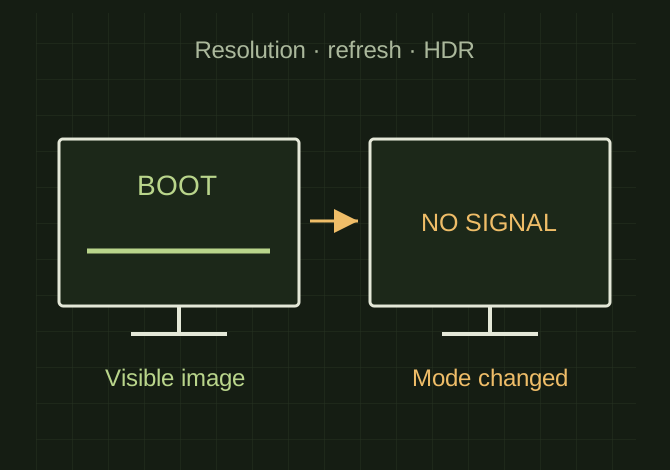
OPEN FULL SIZE ↗Two monitor outlines separate a visible boot screen from a failed desktop signal, with resolution, refresh and HDR shown as possible changed settings.Explanatory drawing based on this record
Conversation-specific knowledge extracted from the uhd display issue fix discussion.
EXTRACTED KNOWLEDGE / HOW-TOFROM CONVERSATION
QUESTION / CONTEXTI enabled uhd on my headless display and now I can't get my samsung 85" tv to connect as my display. I tried restarting and it was fine until I logged in
IMPORTANT GUIDANCE
Let’s walk it back fast and clean.
--
Boot screen = low resolution → works fine
Login hits = GPU switches to UHD / wrong refresh / HDR → TV says “nope”
4K @ 120Hz when TV only likes 60Hz on that port
HDR forced on
Wrong color format (RGB vs YCbCr)
Resolution outside supported range
Extracted from the conversation’s assistant responses and edited for public clarity. See the released note for additional redacted excerpts.
DEVELOPMENT HISTORY///
2026.04.06EXPORT-04
Matched to the supplied export; key guidance is surfaced separately and the raw transcript remains unpublished.
 OPEN FULL SIZE ↗