SOLIDWORKS Display State Sync
A conversation-specific public summary of solidworks display state sync, distilled from the supplied export. The detailed excerpts remain available in the released note file.
One body, different appearances
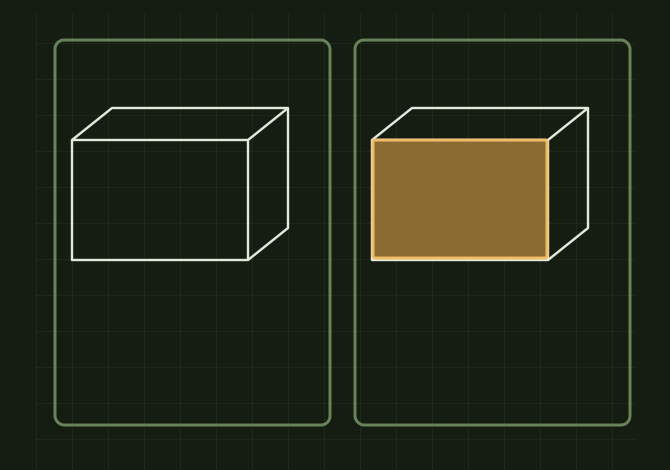 OPEN FULL SIZE ↗
- Scope
- Component, body or face
- Local state
- This display state
- Other states
- Keep their own appearance
TECHNICAL NOTES///
Conversation-specific knowledge extracted from the solidworks display state sync discussion.
QUESTION / CONTEXTI ma having having a problem when i assign a color in display state 2 it changes display state 1 as well and they are not linked however the icon for display states has a sync looking arrows is there a settings in the system options that would cause this
IMPORTANT GUIDANCE
- This display state ← this is what you want
- All display states
- Specify display states
- Right-click the component/body/face you want colored.
- Choose Appearances → select the appropriate level.
- Pick your color.
- Scroll all the way down in the Appearance PropertyManager.
- Find Display States.
Extracted from the conversation’s assistant responses and edited for public clarity. See the released note for additional redacted excerpts.
DEVELOPMENT HISTORY///
Matched to the supplied export; key guidance is surfaced separately and the raw transcript remains unpublished.
SPECIFICATION///
RELEASED MATERIAL///
RECOVERED / SPECIFIC NOTE
The record keeps what is known at this revision. Unfinished tests stay unfinished here.