SolidWorks Process Tracking
A conversation-specific public summary of solidworks process tracking, distilled from the supplied export. The detailed excerpts remain available in the released note file.
Process flags belong to an item
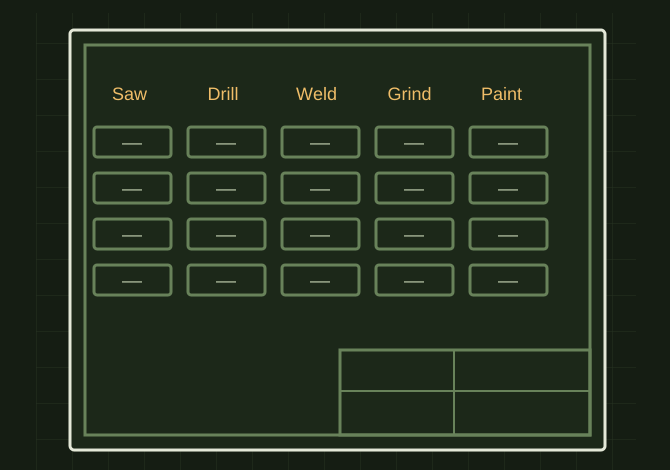 OPEN FULL SIZE ↗
- Levels
- Part or cut-list item
- Processes
- Saw / drill / weld
- Finishing
- Grind / paint
TECHNICAL NOTES///
Conversation-specific knowledge extracted from the solidworks process tracking discussion.
QUESTION / CONTEXTOk lets start kind of fresh on the solid works build I think I have all the profiles and weldments acting how i want to, I do still want an easy way to add proccess to things though like i stated before, everythign from saw to paint
IMPORTANT GUIDANCE
- --
- Part level (for individual pieces)
- Cut-list item level (BEST for weldments)
- `Process_Saw` = Yes/No
- `Process_Drill` = Yes/No
- `Process_Weld` = Yes/No
- `Process_Grind` = Yes/No
- `Process_Paint` = Yes/No
Extracted from the conversation’s assistant responses and edited for public clarity. See the released note for additional redacted excerpts.
DEVELOPMENT HISTORY///
Matched to the supplied export; key guidance is surfaced separately and the raw transcript remains unpublished.
SPECIFICATION///
RELEASED MATERIAL///
RECOVERED / SPECIFIC NOTE
The record keeps what is known at this revision. Unfinished tests stay unfinished here.