SolidWorks Multi-body Metadata
A conversation-specific public summary of solidworks multi-body metadata, distilled from the supplied export. The detailed excerpts remain available in the released note file.
A profile name and its cut-list value
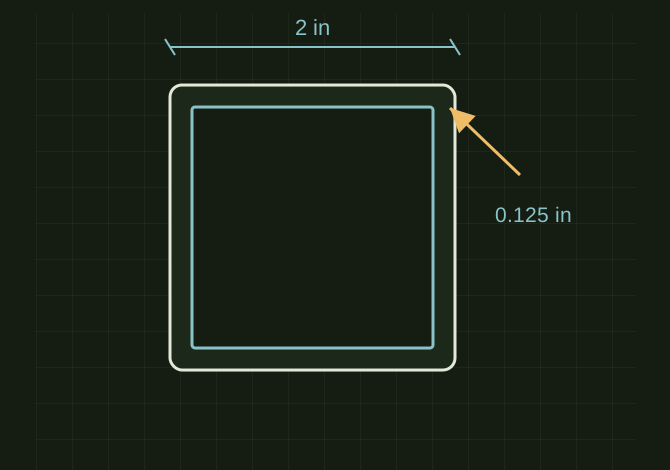 OPEN FULL SIZE ↗
- Profile
- 2 × 2 × 1/8
- Source
- Profile sketch name
- Refresh
- Update the cut list
TECHNICAL NOTES///
Conversation-specific knowledge extracted from the solidworks multi-body metadata discussion.
QUESTION / CONTEXTI need something explained to me. In solid works they created a multi body weldment out of 2x2x1/8 tube. What im trying to understand is how can I pull that meta data when detailing parts so I dont have to type what the material is on the drawing
IMPORTANT GUIDANCE
- Let’s break it down practically (how to fix it) and then what’s actually happening under the hood so it makes sense.
- --
- The size (2x2x1/8) comes from the *profile sketch name*
- The material is often:
- NOT assigned automatically
- OR buried in a cut list property
- Right click Cut List Folder
- Click Update
Extracted from the conversation’s assistant responses and edited for public clarity. See the released note for additional redacted excerpts.
DEVELOPMENT HISTORY///
Matched to the supplied export; key guidance is surfaced separately and the raw transcript remains unpublished.
SPECIFICATION///
RELEASED MATERIAL///
RECOVERED / SPECIFIC NOTE
The record keeps what is known at this revision. Unfinished tests stay unfinished here.