SolidWorks License Checkout
A conversation-specific public summary of solidworks license checkout, distilled from the supplied export. The detailed excerpts remain available in the released note file.
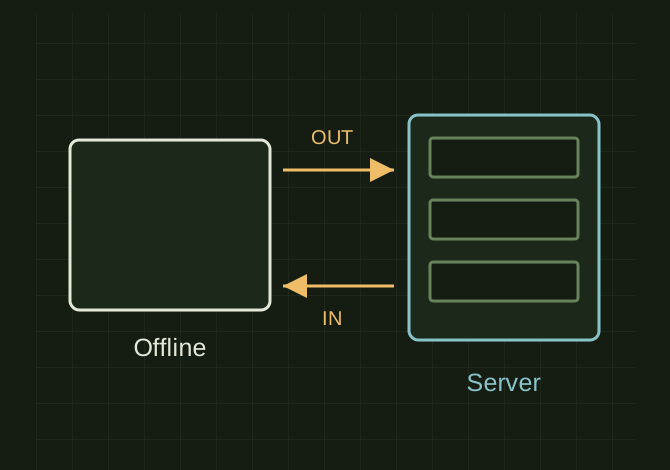
Borrow and return are opposite trips
 OPEN FULL SIZE ↗
- Check out
- Borrow for offline use
- Check in
- Return to the server
- State
- A stale checkout needs investigation
TECHNICAL NOTES///
Conversation-specific knowledge extracted from the solidworks license checkout discussion.
QUESTION / CONTEXThow do i use the solidworks solidnetwork license manager. I am at work and i am wanting to take my computer home and do some work but I am told i need to check out a license, however it says i have to check my license in first..
IMPORTANT GUIDANCE
- --
- “Check Out License” = borrow a license to use offline
- “Check In License” = return a borrowed license back to the server
- SOLIDWORKS *thinks* you already have a borrowed license
- *OR
- There’s a stale/bugged license state
- Make sure no sessions are open.
- Start → SOLIDWORKS Tools → SolidNetWork License Manager Client
Extracted from the conversation’s assistant responses and edited for public clarity. See the released note for additional redacted excerpts.
DEVELOPMENT HISTORY///
Matched to the supplied export; key guidance is surfaced separately and the raw transcript remains unpublished.
SPECIFICATION///
RELEASED MATERIAL///
RECOVERED / SPECIFIC NOTE
The record keeps what is known at this revision. Unfinished tests stay unfinished here.