SOLIDWORKS Add-In Guidance
A conversation-specific public summary of solidworks add-in guidance, distilled from the supplied export. The detailed excerpts remain available in the released note file.
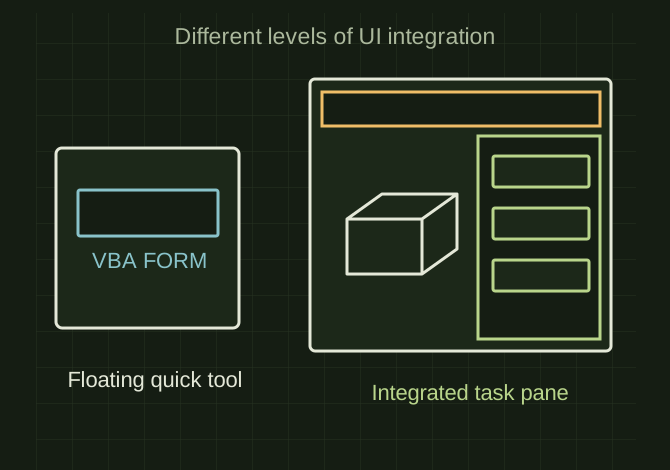
A task pane makes a tool part of the workspace
 OPEN FULL SIZE ↗
- Quick tools
- VBA
- Add-in languages
- VB.NET or C#
- Integration
- Task panes, CommandManager, shared settings
TECHNICAL NOTES///
Conversation-specific knowledge extracted from the solidworks add-in guidance discussion.
QUESTION / CONTEXTSo I have been creating forms in vba for solid works they work great for what I do but is there a better way to create some of these macros I have been making and giving them a more professional look and also the install of them isn't too bad but it still relys on the user copying files and editing IT would be nice if they had an install file or could load an add in
IMPORTANT GUIDANCE
- *1. Keep VBA for quick tools
- *2. Move serious tools to a VB.NET or C# SOLIDWORKS Add-In
- Professional dockable panels / task panes
- Better-looking forms than VBA UserForms
- Buttons inside SOLIDWORKS CommandManager
- Central settings/config files
- Easier version control
- Can be installed like normal software
Extracted from the conversation’s assistant responses and edited for public clarity. See the released note for additional redacted excerpts.
DEVELOPMENT HISTORY///
Matched to the supplied export; key guidance is surfaced separately and the raw transcript remains unpublished.
SPECIFICATION///
RELEASED MATERIAL///
RECOVERED / SPECIFIC NOTE
The record keeps what is known at this revision. Unfinished tests stay unfinished here.