Installing 3D Printing Tools
A conversation-specific public summary of installing 3d printing tools, distilled from the supplied export. The detailed excerpts remain available in the released note file.
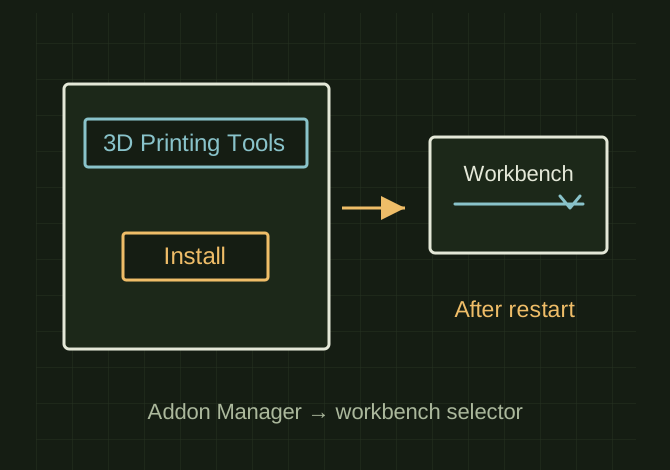
From add-on selection to workbench
 OPEN FULL SIZE ↗
- Search
- 3D Printing Tools
- After install
- Restart; select workbench
TECHNICAL NOTES///
Conversation-specific knowledge extracted from the installing 3d printing tools discussion.
QUESTION / CONTEXTI am downloading FreeCAD to try asnd use it there are workbenches and one sparked my intrest but I am not sure on how to install it here is the website it gave me to download it and the requirments [link omitted]
IMPORTANT GUIDANCE
- --
- Open FreeCAD
- Go to Tools → Addon manager
- Search for: 3D Printing Tools
- Click it → hit Install
- Restart FreeCAD
- After restart, change workbench using the dropdown (top bar) and select:
- *3D Printing Tools
Extracted from the conversation’s assistant responses and edited for public clarity. See the released note for additional redacted excerpts.
DEVELOPMENT HISTORY///
Matched to the supplied export; key guidance is surfaced separately and the raw transcript remains unpublished.
SPECIFICATION///
RELEASED MATERIAL///
RECOVERED / SPECIFIC NOTE
The record keeps what is known at this revision. Unfinished tests stay unfinished here.