A conversation-specific public summary of copy games usb to microsd, distilled from the supplied export. The detailed excerpts remain available in the released note file.
CHAT-0123REV EXPORT-03
AI narration using Robert's voice. Copy games USB to microSD / short introduction.
Conversation-specific knowledge extracted from the copy games usb to microsd discussion.
EXTRACTED KNOWLEDGE / HOW-TOFROM CONVERSATION
QUESTION / CONTEXTI never could get the file share to work properly. What is the easiest way to copy games from a usb drive to the micro sd in the correct location
IMPORTANT GUIDANCE
--
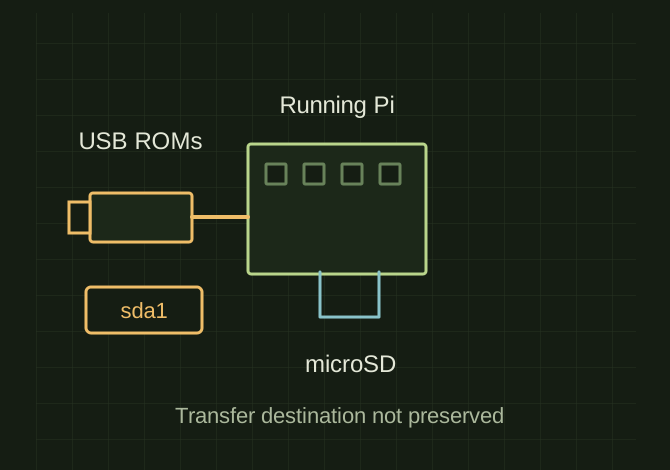
Batocera already booted on your Raspberry Pi
USB drive with your ROMs on it (FAT32 or exFAT works best)
Keyboard (mouse optional)
Insert the USB drive while Batocera is running
Wait ~5–10 seconds — Batocera auto-mounts it
`USB`
`sda1`
Extracted from the conversation’s assistant responses and edited for public clarity. See the released note for additional redacted excerpts.
DEVELOPMENT HISTORY///
2025.12.21EXPORT-04
Matched to the supplied export; key guidance is surfaced separately and the raw transcript remains unpublished.
 OPEN FULL SIZE ↗