Batocera SD Flashing
A conversation-specific public summary of batocera sd flashing, distilled from the supplied export. The detailed excerpts remain available in the released note file.
The image goes onto the selected card
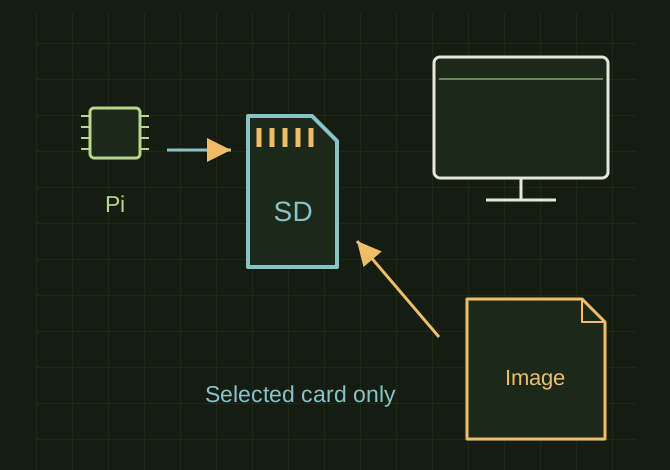 OPEN FULL SIZE ↗
- Tools mentioned
- Raspberry Pi Imager / balenaEtcher
- Target
- MicroSD card
- Source
- Correct Batocera image
TECHNICAL NOTES///
Conversation-specific knowledge extracted from the batocera sd flashing discussion.
QUESTION / CONTEXTRemember my rasberry pi? Any idea how i connected it to my old computer and set it up for batocera? I am asking because i have a new project I am wanting to work on with a new microsd card but i honestly dont remmeber how i connected the pi 5 to my computer to flash it
IMPORTANT GUIDANCE
- Remove the microSD card from the Pi.
- Insert the microSD card into your computer using either:
- the computer's built-in microSD slot (if it has one), or
- a USB microSD card reader (these are very common and inexpensive).
- Use a program such as:
- Raspberry Pi Imager (my recommendation)
- balenaEtcher
- Flash the Batocera image to the microSD card.
Extracted from the conversation’s assistant responses and edited for public clarity. See the released note for additional redacted excerpts.
DEVELOPMENT HISTORY///
Matched to the supplied export; key guidance is surfaced separately and the raw transcript remains unpublished.
SPECIFICATION///
RELEASED MATERIAL///
RECOVERED / SPECIFIC NOTE
The record keeps what is known at this revision. Unfinished tests stay unfinished here.